
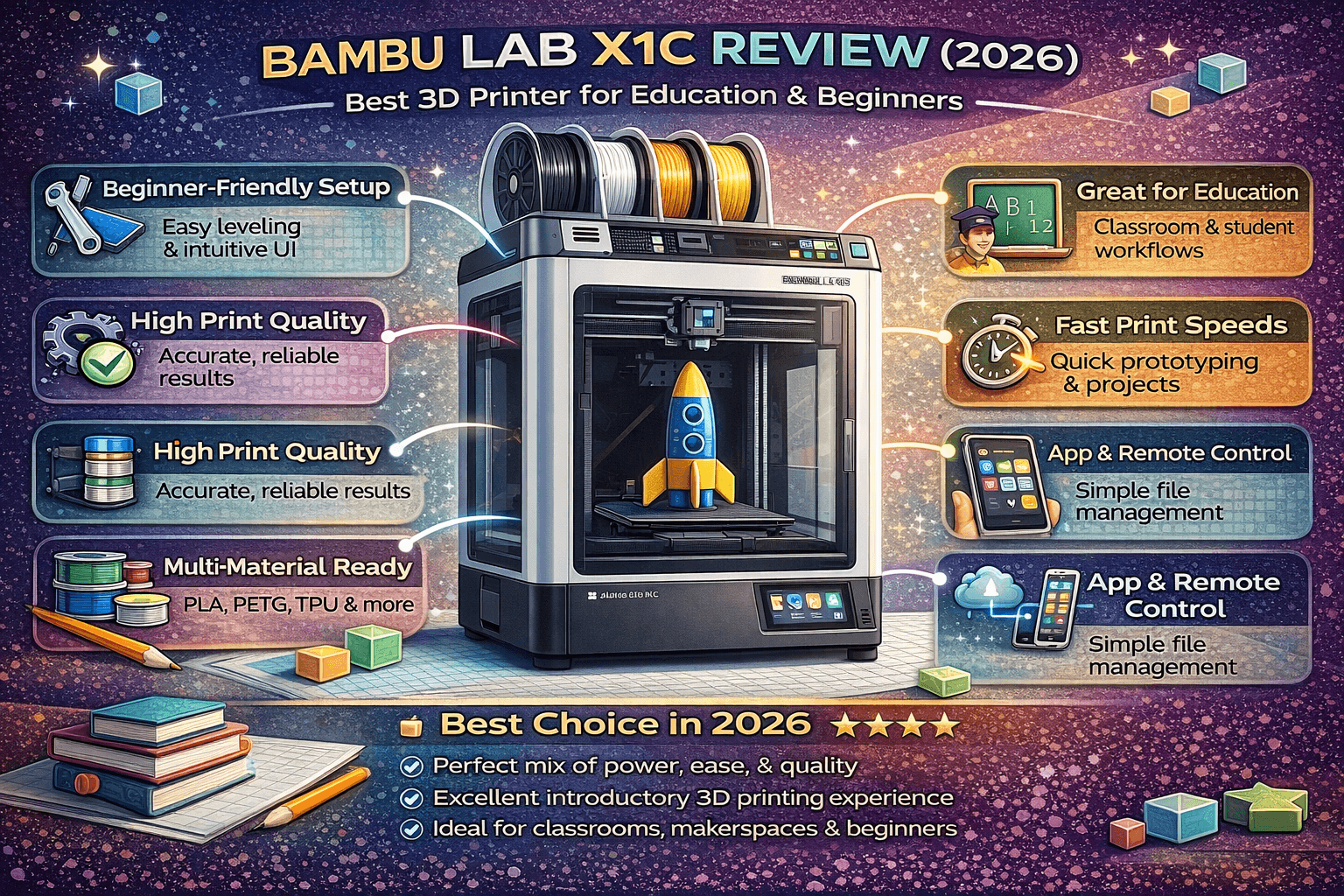
TL;DR: The Bambu Lab X1C is a premium prosumer 3D printer that delivers industrial features in a desktop package. With LIDAR-assisted calibration, an enclosed heated chamber, CoreXY motion, and multi-color AMS support, it’s exceptionally reliable for educational institutions and beginners who want a hassle-free experience. The $1,449 price is steep, but you pay for a system that truly “just works.”
Why the Bambu Lab X1C Stands Out
Entering the world of 3D printing can be overwhelming. Bed leveling, filament settings, print failures—the learning curve is steep. The Bambu Lab X1C aims to flatten that curve dramatically by automating nearly every tedious aspect of 3D printing.
Originally launched as a Kickstarter campaign in May 2022, the X1 Carbon (often called X1C) has become an industry standard in the prosumer market. Its reputation isn’t just hype: the combination of a rigid aluminum/steel frame, CoreXY motion system, LIDAR-based bed leveling, and an enclosed build chamber creates a machine that reliably produces high-quality prints with minimal user intervention.
For beginners and educational settings, this reliability is gold. Teachers don’t have time to troubleshoot constant failures. Students need immediate feedback. Makerspace managers can’t babysit printers all day. The X1C addresses these pain points head-on.
Bambu Lab X1C vs. Bambu Lab A1: Which is Right for You?
Before diving deep, let’s clarify how the X1C fits into Bambu Lab’s lineup. The company offers several models, but the most direct comparison is with the A1—their more budget-friendly offering.
Both printers share many features:
- Identical build volume: 256 × 256 × 256 mm
- Maximum nozzle temperature: 300°C
- Dual-gear extruders
- Maximum print speed: 500 mm/s
- Automatic bed leveling
- Color touchscreen displays
- Wi-Fi connectivity and cloud monitoring
- Support for multi-color printing via AMS units
But key differences set them apart:
Motion System and Frame
X1C: Uses a CoreXY motion system where the print head moves along X and Y axes while the bed lowers on Z. This design keeps the build platform stationary, drastically reducing vibrations and improving print quality at high speeds. The frame is fully enclosed with aluminum and glass, trapping heat and allowing consistent printing with temperature-sensitive materials like ABS and ASA.
A1: Uses a “bedslinger” design where the print head moves on X and Z while the bed moves on Y. It employs linear rails and vibration compensation to mitigate movement artifacts. The frame is open, providing better cooling for PLA but causing problems with materials requiring a warm enclosure.
Material Compatibility
X1C: Equipped with a hardened steel nozzle out of the box, the X1C handles abrasive high-temperature materials effortlessly. Carbon fiber filaments, polycarbonate (PC), and glass-reinforced compounds are no problem thanks to the enclosed heated chamber (up to 120°C bed temperature). This opens up engineering-grade applications—perfect for advanced student projects or functional prototypes.
A1: Ships with a brass nozzle (though upgrades are available). While capable of many of the same materials, the open frame makes printing ABS, ASA, and PC challenging without an enclosure. The A1 excels at PLA and PETG where cooling is beneficial.
Acceleration and Speed
Both printers claim 500 mm/s maximum speed, but acceleration differs:
- X1C: 20,000 mm/s²
- A1: 10,000 mm/s²
The X1C’s higher acceleration means faster traversals between complex geometries, translating to shorter overall print times on detailed models.
Price and Value
- X1C: $1,449 (printer only), $1,749 (with AMS)
- A1: $375–400 (without AMS), ~$600 with AMS Lite
The X1C costs 3–4× more. Is it worth it? Only if you need the enclosed chamber, hardened nozzle, and maximum acceleration. For PLA-focused printing on a budget, the A1 is excellent. For educational environments printing functional parts in ABS or polycarbonate, the X1C is worth every penny.
Detailed Bambu Lab X1C Specifications
| Feature | Specification |
|---|---|
| Build Volume | 256 × 256 × 256 mm (10.08″ cube) |
| Machine Footprint | 389 × 389 × 590 mm |
| Motion System | CoreXY with carbon fiber rods |
| Nozzle | 0.4 mm hardened steel (optional: 0.2, 0.6, 0.8 mm) |
| Max Nozzle Temp | 300°C (572°F) |
| Max Bed Temp | 120°C (248°F) |
| Build Platform | Magnetic flexible PEI (textured optional) |
| Bed Leveling | LIDAR + force gauge automatic mesh |
| Print Speed | 500 mm/s max |
| Acceleration | 20,000 mm/s² |
| Power Supply | 350W |
| Connectivity | Wi-Fi, microSD card |
| Interface | 5-inch color touchscreen LCD |
| Filament Diameter | 1.75 mm |
Included in the box: printer, AMS unit (pre-installed and secured for shipping), glue stick, lubricant, three 250g spools (PLA, PLA-CF, support material). Note: A microSD card is required but not included—plan to purchase one separately.
What Makes the X1C Beginner-Friendly?
1. Automatic Calibration That Actually Works
Traditional printers require manual bed leveling—a tedious, skill-dependent process. The X1C uses a combination of LIDAR scanning and force sensors to map the bed surface automatically. The system produces a detailed mesh and compensates in software, eliminating first-layer problems.
Before each print, you can request a calibration, and the process takes just a few minutes with zero user intervention beyond tapping “Start.”
2. First Layer Inspection
Even with perfect leveling, a first layer can fail due to dust, moisture, or adhesion issues. The X1C’s LIDAR sensor performs a post-print inspection of the initial layer. If it detects missed spots or poor adhesion, the printer pauses and alerts you—potentially saving hours of failed prints.
3. Effortless Filament Management
The built-in AMS (Automatic Material System) holds up to four filament colors/types in a compact carousel on top of the printer. Loading filament is guided by the touchscreen: you indicate material type and color, and the system syncs with Bambu Studio slicer automatically.
Multi-color prints? Simply map colors in the slicer, and the AMS swaps filaments seamlessly during printing.
4. Intuitive Software Ecosystem
Bambu Studio (desktop) and Bambu Handy (mobile) form a cohesive ecosystem. Cloud-based print management lets you upload models from anywhere, monitor prints via built-in webcam, and even start/stop prints remotely.
For beginners, this means:
- No complex SD card transfers
- Ability to check on prints from class or home
- Automatic timelapse generation for project documentation
5. Enclosed Build Chamber
The fully enclosed frame does more than contain dust—it maintains a stable ambient temperature. This is crucial for materials prone to warping (ABS, ASA, PC). In a classroom where ambient conditions vary, that consistency translates to fewer failures.
Real-World Performance in Educational Settings
Schools, universities, and makerspaces increasingly choose the X1C for its reliability. One Reddit contributor noted that their local university uses consumer/prosumer machines like the Bambu because they offer “real-world usage/experience” compared to outdated commercial equipment.
Key benefits in education:
Reliability: Students can submit print jobs and expect them to succeed without constant supervision. Teachers spend less time diagnosing problems and more time teaching design principles.
Speed: At 500 mm/s, the X1C prints functional parts in hours, not days. This enables rapid iteration in engineering courses where multiple design cycles are essential.
Material Versatility: From flexible TPU phone cases to rigid carbon fiber brackets, the X1C handles diverse assignments from art classes to robotics teams.
Quiet Operation: While not silent, the X1C’s motor noise is manageable in classroom environments, especially compared to budget printers that sound like machining centers.
Cloud Management: In shared facilities, administrators can monitor usage, enforce print quotas, and schedule maintenance—all remotely.
Pros and Cons Summary
Pros
- Exceptionally rigid steel frame with aluminum shell minimizes vibrations
- CoreXY motion system enables high speed without sacrificing quality
- LIDAR-assisted automatic calibration and inspection
- High-speed multicolor printing with AMS
- Fully enclosed build volume for tricky materials
- Hardened steel nozzle handles abrasive filaments out of the box
- Intuitive touchscreen and cloud-based remote management
- Proven reliability in demanding environments
Cons
- PEI textured build plate not included (additional cost)
- Default purging process wastes filament during multi-color prints
- Nozzle replacement is more involved than on cartesian printers
- Premium price ($1,449 entry point)
- Bambu Lab’s cloud-dependent features raise privacy concerns for some institutions (though local-only operation is possible)
Who Should Buy the Bambu Lab X1C?
The X1C is not for everyone. Consider it if:
- ✅ You’re an educational institution (K-12 or university) needing reliable, low-maintenance printers
- ✅ You want to print engineering-grade materials (carbon fiber, PC, ASA) without enclosure DIY
- ✅ You value multi-color printing and are willing to buy the AMS
- ✅ You need a printer that “just works” with minimal tweaking
- ✅ You want cloud-based monitoring and remote management
Avoid the X1C if:
- ❌ You’re on a tight budget—the A1 or Creality Ender 3 V3 SE offer 80% of the experience for 25% of the price
- ❌ You exclusively print PLA with superb cooling—open frame printers can actually outperform on simple materials
- ❌ You prefer open-source firmware and complete hardware control—Bambu’s ecosystem is more locked down
- ❌ You’re uncomfortable with cloud-connected devices (though you can use the printer without internet after initial setup)
Comparison with Other Beginner-Friendly Options
| Feature | Bambu Lab X1C | Bambu Lab A1 | Creality Ender 3 V3 SE | Prusa Mini+ |
|---|---|---|---|---|
| Price | $1,449 | $375-400 | $350-400 | $400-450 |
| Build Volume | 256³ mm | 256³ mm | 250³ mm | 180³ mm |
| Enclosure | Yes | No | No | No |
| Max Speed | 500 mm/s | 500 mm/s | 250 mm/s | 250 mm/s |
| Auto Leveling | LIDAR + mesh | Force sensor | Manual | PINDA probe |
| Multi-Color | AMS (4 colors) | AMS Lite (4 colors) | Manual | Manual |
| Material Range | PC, CF, ABS, ASA | PLA/PETG/ABS (limited) | PLA/PETG/ABS | PLA/PETG/ABS |
| Beginner Score | 9.5/10 | 9/10 | 7/10 | 8/10 |
For absolute beginners who want the smoothest experience and have the budget, the X1C wins. For budget-conscious users willing to tinker occasionally, the A1 is a no-brainer. The Ender 3 V3 SE requires more maintenance but offers great value. The Prusa Mini+ provides excellent support and reliability but at a smaller build volume.
Verdict: Is the Bambu Lab X1C Worth It?
The Bambu Lab X1C earns its premium price through thoughtful engineering that removes friction from 3D printing. Every feature—from LIDAR bed mapping to cloud management—serves a clear purpose: increase success rates, reduce hands-on time, and make sophisticated capabilities accessible to non-experts.
For educational environments where uptime matters and technical support resources are scarce, the X1C is arguably the best printer on the market. Its reliability directly translates to better learning outcomes and higher student engagement.
For hobbyists starting their first printer, the A1 offers 90% of the benefits at a fraction of the cost—unless you specifically need high-temperature materials or an enclosure. But if you can stretch the budget, the X1C’s industrial-grade features future-proof your investment and reduce frustration for years to come.
Bottom Line
The Bambu Lab X1C is the most beginner-friendly prosumer 3D printer available, making it ideal for education, makerspaces, and anyone who values reliability over price. Its automation, enclosure, and multi-color support set a new standard for desktop fabrication.
Related Resources
If you’re choosing your first printer, read our Buyer’s Guide for a broader comparison. Once you have your machine, master 3D Printer Calibration to ensure consistent quality.
Explore our Beginner Printers category for more in-depth reviews and tutorials.
Frequently Asked Questions
What is metal 3D printing?
Metal 3D printing (additive manufacturing) builds metal parts layer by layer using techniques like laser powder bed fusion, directed energy deposition, and binder jetting. It enables complex geometries impossible with traditional manufacturing while reducing material waste significantly.
How strong are 3D printed metal parts?
3D printed metal parts can achieve mechanical properties comparable to traditionally manufactured metals. Tensile strength and fatigue resistance depend on the process and post-processing, but many meet or exceed ASTM standards for wrought materials.
What are the main metal 3D printing technologies?
The primary technologies include Laser Powder Bed Fusion (LPBF), Electron Beam Melting (EBM), Directed Energy Deposition (DED), Binder Jetting, and Metal FDM (with bound filaments). Each has different strengths in terms of resolution, speed, and material options.
📌 Related Articles
- Best 3D Printer Upgrades That Actually Improve Print Quality: Complete 2026 Guide
- Creality Creality Ender 3 V3 Plus vs Creality Ender 3 Pro: Full Specs Comparison & Buyer’s Guide
- Best Budget 3D Printer Upgrades That Actually Improve Print Quality: Belts, Springs, Hotends & More
- ABS 3D Printing Settings Guide: Temperature, Enclosure, and Cooling for Strong Parts
- Bambu Lab A1 vs Elegoo Centauri Carbon: Full Specs Comparison & Buyer’s Guide