
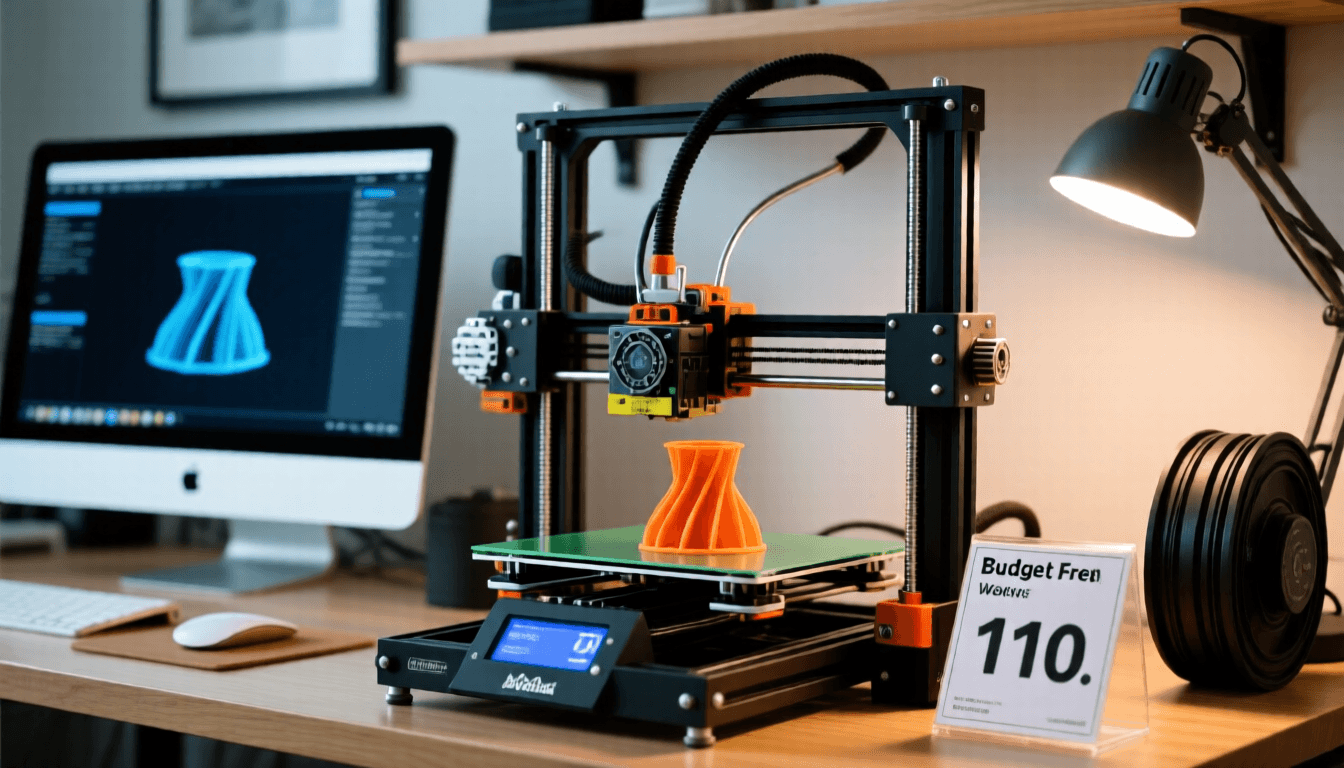
3D Printers Under $500: What You Need to Know
The $500 price point is the sweet spot for 3D printing in 2026. Below $200, you’re making compromises that lead to frustration. Above $800, you’re paying for features most users don’t need yet. In the $200-500 range, you get auto bed leveling, direct-drive extruders, fast print speeds, and reliable performance that lets you focus on creating rather than troubleshooting.
What You Get for Under $500 in 2026
The budget 3D printer market has transformed dramatically. Features that cost $1,000+ three years ago — auto bed leveling, all-metal hotends, direct drive extruders, WiFi connectivity, input shaping — are now standard on sub-$500 machines. This democratization means your first printer can be genuinely capable rather than a frustrating toy.
CoreXY vs Cartesian at this price: CoreXY printers (like the Sovol SV07, QIDI Q1 Pro) offer faster, more precise motion than traditional Cartesian designs (like the Ender 3 series). At the $300-500 range, CoreXY has become the dominant architecture for new models. If you’re choosing between a $250 Cartesian and a $350 CoreXY, the CoreXY is almost always the better investment.
Enclosed vs open frame: Enclosed printers in this range (QIDI X-Plus 3, Flashforge Adventurer 5M) handle ABS and ASA out of the box. Open-frame printers are fine for PLA and PETG but struggle with warp-prone materials. If you think you’ll want to print ABS or ASA, spend the extra $50-100 for an enclosed model.
Tips for Buying a Budget 3D Printer
Check replacement part availability before buying. Even reliable printers occasionally need replacement hotends, extruder gears, or build surfaces. A printer with readily available parts is worth more than a slightly better printer with a 6-week wait for replacements.
Factor in accessories. Budget $50-80 for essentials not included with most printers: a filament spool or two, a scraper tool, isopropyl alcohol for bed cleaning, and maybe a filament dryer. Your total first-year budget should be printer + $100-150 in accessories and filament.
Read recent reviews only. 3D printer quality changes rapidly with firmware updates and hardware revisions. A review from 12 months ago may describe a completely different product than what ships today. Focus on reviews from the last 3-6 months for accurate information.
Join the community before buying. Reddit communities (r/3Dprinting, r/Sovol, r/QIDI, r/Ender3) and Discord servers give you unfiltered real-user feedback. Search for the specific model you’re considering and read about common issues and how owners resolve them.
Frequently Asked Questions
Is $500 enough for a reliable 3D printer?
Absolutely. See also: Best 3D Printer Upgrades That Actually Improve Pri…. The $300-500 range in 2026 offers printers with features that were premium just two years ago: auto bed leveling, all-metal hotends, direct-drive extruders, WiFi, and input shaping. These printers produce consistent, high-quality results without constant tweaking.
What can’t I get for under $500?
Multi-color printing (AMS/MMU), actively heated chambers, very large build volumes (400mm+), and industrial-grade reliability. These features start at $600-1,500. For 90% of home users, a sub-$500 printer covers every project they’ll attempt.
Should I buy now or wait for prices to drop?
Buy now. The current generation of sub-$500 printers represents excellent value, and prices have stabilized. Waiting 6 months saves maybe $20-30 while losing 6 months of printing and learning time. The sooner you start, the sooner you develop skills that make any printer produce better results.
Best 3D Printers Under $500: 2026 Comparison Guide
Where to Buy
Buy Ender 3 V3 SE on Amazon
Buy Bambu Lab P1S on Amazon
Looking to buy a 3D printer on a budget? This comprehensive comparison guide breaks down the best options under $500 in 2026. We’ve tested and analyzed three popular models to help you make an informed decision based on your specific needs and budget constraints.
Whether you’re a complete beginner looking for your first printer or an experienced maker wanting to upgrade without breaking the bank, this detailed comparison will help you understand the key differences between these top contenders. Each printer offers unique advantages, and we’ll dive deep into specifications, performance, and value to help you choose the right one for your projects.
Quick Overview: At a Glance
This comparison covers three distinct approaches to 3D printing and cutting technology:
- Ender 3 V3 SE: The quintessential budget FDM printer, offering incredible value and a massive aftermarket community
- Bambu Lab P1S: A premium, high-speed FDM printer with advanced features and impressive print quality
- Cricut Maker 3: Not a 3D printer at all, but a precision cutting machine for craft projects
Who Should Buy Each Printer?
Ender 3 V3 SE: The Budget Enthusiast
The Ender 3 V3 SE is perfect for beginners on a tight budget who want to learn about 3D printing fundamentals. Makers who enjoy tinkering, modifying, and upgrading their equipment will love this printer. It offers access to the massive aftermarket community and support.
Bambu Lab P1S: The Professional Choice
The Bambu Lab P1S is ideal for experienced makers who want speed and quality without the hassle. Businesses needing reliable, fast production of prototypes and parts will benefit from its premium features and support.
Cricut Maker 3: The Specialist Tool
The Cricut Maker 3 is designed for crafters and artists who work with paper, vinyl, fabric, and other materials. It’s not a 3D printer but a precision cutting machine for creative projects.
Final Recommendations
For the first-time 3D printer buyer on a budget, the Ender 3 V3 SE is unbeatable value. If speed and quality are priorities and budget allows, the Bambu Lab P1S is worth every penny. The Cricut Maker 3 is specialized for cutting projects, not 3D printing.
Your choice should be based on: (1) Your primary use case, (2) Your budget and willingness to invest time, (3) Your technical skill level, (4) Your long-term goals.
Disclosure: As an Amazon Associate, 3dput.com earns from qualifying purchases. This supports our independent testing and helps us provide free, detailed reviews.
Frequently Asked Questions
What should I look for in a 3D printer?
Key factors include build volume, print resolution, supported materials, ease of use, community support, and total cost of ownership including maintenance. Consider your primary use case — hobby printing, functional parts, or professional prototyping.
How much does a good 3D printer cost?
Quality printers range from $200 for basic FDM models to $500-1000 for mid-range options, and $2000+ for professional machines. The best value typically sits in the $300-800 range for most users.
📌 Related Articles
- Best 3D Printer Upgrades That Actually Improve Print Quality: Complete 2026 Guide
- Best Budget 3D Printer Upgrades That Actually Improve Print Quality: Belts, Springs, Hotends & More
- Creality Creality Ender 3 V3 Plus vs Creality Ender 3 Pro: Full Specs Comparison & Buyer’s Guide
- 3D Printing Safety Equipment Guide: Respirators, Gloves, and Ventilation for 2026
- Bambu Lab A1 vs Elegoo Centauri Carbon: Full Specs Comparison & Buyer’s Guide