
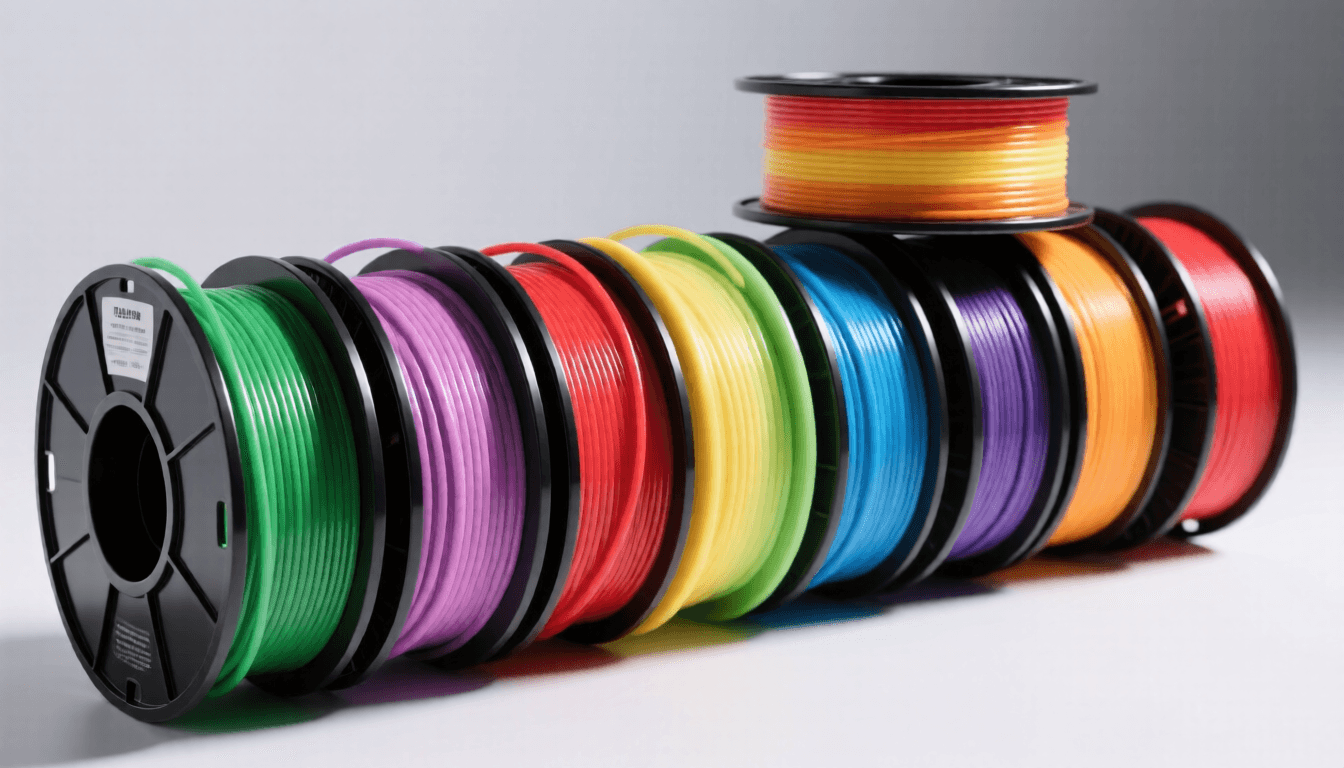
What to Look for in Filaments for small business
In business, filament is a raw material affecting product quality, production costs, and profit margins. The right strategy balances material costs (typically 10-30% of selling price) with quality.
Standardize on 2-3 core materials. Most successful businesses operate with PLA (display/prototype), PETG (functional parts), and TPU (flexible items). Specialty materials are ordered on-demand.
Buy in bulk but manage inventory carefully. Filament degrades 6-12 months after opening. Buy 3-6 month supplies and rotate stock.
Material cost per part determines your floor price. A 50g part in PLA costs $1.00-1.25. Add electricity, depreciation, and labor. Know your costs precisely to price confidently.
Understanding Material Properties
Diameter tolerance — Quality filament is ±0.02mm. Cheaper ±0.05mm+ causes inconsistent extrusion. Spend an extra $3-5 per spool for quality.
Storage conditions — PLA absorbs moisture, causing bubbles and weak spots. Keep sealed with desiccant. Dry at 45°C for 4-6 hours if exposed for more than a week.
Color affects printability — Heavily pigmented filaments print differently from natural/clear. If struggling with a specific color, try the same brand in a different color before adjusting printer settings.
Getting the Best Results
Start with one brand and one color. Mixing brands while learning makes it impossible to isolate issues. Once reliable with one combination, experiment systematically.
Don’t buy the cheapest filament. The $12/kg no-name spool wastes evenings debugging failures from inconsistent diameter. Polymaker, eSUN, Overture, and Hatchbox all offer reliability at $18-25/kg.
Print a temperature tower for every new spool. Even within the same brand, different colors and batches have slightly different optimal temperatures. A 30-minute temperature tower saves hours of troubleshooting.
Frequently Asked Questions
What is the strongest filament?
Polycarbonate and nylon are strongest overall. Carbon-fiber nylon is stiffest. But strength depends on stress type: PLA is strong in compression, TPU absorbs impacts best.
PLA or PETG for beginners?
Start with PLA — most forgiving, works on any printer. Graduate to PETG for heat resistance, flexibility, or outdoor durability.
How long does filament last?
Unopened: 2-3+ years in cool, dry storage. Opened: 6-12 months in a dry box with desiccant. Nylon and PETG are more moisture-sensitive than PLA.
What temperature for drying filament?
PLA: 40-45°C for 4-6 hours. See also: ABS 3D Printing Settings Guide: Temperature, Enclo…. PETG: 65°C for 4-6 hours. Nylon: 80°C for 6-12 hours. TPU: 50-55°C for 4-6 hours. Overheating deforms filament on the spool.
Are carbon-fiber filaments worth it?
For stiffness-critical parts (drone frames, structural brackets), yes — 2-3x stiffer. But they wear brass nozzles fast (use hardened steel), are more brittle, and cost 2-3x more. Specialized, not universal.
How to Choose the Right Option
For small business use, calculate your ROI: a $300 printer producing $50 worth of parts per week pays for itself in 6 weeks. But factor in filament costs ($20-40/kg), failed prints (10-20% waste), and maintenance time (2-4 hours/month).
Decision tip: Start with one reliable workhorse printer and a dedicated backup. The Bambu Lab P1S or Prusa MK4 are proven production machines. Scale to 3-4 printers before considering industrial equipment.
- PLA — Choose if: easiest to print — works on any fdm printer. Skip if: low heat resistance (softens at ~55°c).
- PETG — Choose if: stronger than pla with better layer adhesion. Skip if: stringing can be an issue.
- PLA+ — Choose if: less brittle than standard pla. Skip if: slightly more expensive than pla.
- TPU — Choose if: flexible and impact-resistant. Skip if: requires direct drive extruder (most bowden printers struggle).
- Silk PLA — Choose if: stunning dual-color shimmer effect. Skip if: weaker than standard pla.
Pros and Cons by Product
PLA
- Easiest to print — works on any FDM printer
- No heated bed required
- Low warping and excellent detail
- Wide color selection
- Affordable and widely available
- Low heat resistance (softens at ~55°C)
- Brittle under impact
- Degrades outdoors (UV/moisture)
- Not suitable for functional parts under load
PETG
- Stronger than PLA with better layer adhesion
- Higher heat resistance (up to 80°C)
- Good chemical resistance
- Slightly flexible — resists cracking
- Food-safe variants available
- Stringing can be an issue
- Requires higher temperatures
- Poor bridging without tuning
- Can be difficult to remove supports
PLA+
- Less brittle than standard PLA
- Better impact resistance
- Same easy print settings
- Smoother surface finish
- Good for functional parts
- Slightly more expensive than PLA
- Heat resistance still limited
- Brand-dependent quality variation
- Not as widely available as PLA
TPU
- Flexible and impact-resistant
- Great for phone cases, gaskets, tires
- Excellent layer adhesion
- High abrasion resistance
- Durable for functional parts
- Requires direct drive extruder (most Bowden printers struggle)
- Slow print speeds (20-40mm/s)
- Moisture-sensitive — needs dry storage
- Difficult to post-process (sanding/gluing)
Silk PLA
- Stunning dual-color shimmer effect
- Easy to print like standard PLA
- Great for decorative pieces
- Smooth, glossy finish
- Eye-catching for displays and gifts
- Weaker than standard PLA
- More expensive per spool
- Color shifts with viewing angle can mask defects
- Limited structural applications
Related Comparisons
- Best filaments for beginners
- Best filaments for hobbyists
- Best filaments for professionals
- Best filaments for schools
- Best printers for small business
- Best resins for small business
Product Comparison
Where to Buy
Filament Selection for Business 3D Printing
In a business context, filament choice directly impacts your bottom line. The wrong material means failed prints, unhappy clients, and wasted material costs. The right material means durable products, efficient production, and healthy margins.
Business filament strategy starts with understanding your product requirements: Does it need to be food-safe? UV-resistant? Flexible? Heat-stable? Then factor in print speed (PLA is fastest), material cost (specialty filaments can be 5-10x more expensive), and post-processing requirements. Many businesses standardize on 2-3 core materials and only reach for specialty options when specific projects demand it.
Final Recommendations
Your choice should be based on: (1) Your specific use case and requirements, (2) Your budget and willingness to invest, (3) Your technical skill level.
Disclosure: As an Amazon Associate, 3dput.com earns from qualifying purchases. This supports our independent testing and helps us provide free, detailed reviews.
Related Articles: Best resins for small-business 2026: Detailed Comparison Guide · Best printers for small-business 2026: Detailed Comparison Guide · Best scanners for small-business 2026: Detailed Comparison Guide
Frequently Asked Questions
What is the best 3D printing filament for beginners?
PLA is the best starting filament — it prints easily at 190-220°C without an enclosure and produces good results. Once comfortable, PETG offers better strength and temperature resistance for functional parts.
How do I choose the right filament?
Consider the application: PLA for display models, PETG for functional parts, ABS/ASA for heat/sunlight exposure, TPU for flexible parts, and specialty filaments for engineering applications. Each has specific printer requirements.
What temperature should I print different filaments at?
PLA: 190-220°C nozzle / 50-60°C bed. PETG: 220-250°C / 70-80°C. ABS: 230-260°C / 100-110°C (enclosure needed). Nylon: 240-270°C / 70-90°C. Always check manufacturer recommendations for specific brands.
📌 Related Articles
- ABS 3D Printing Settings Guide: Temperature, Enclosure, and Cooling for Strong Parts
- 3D Printing Safety Equipment Guide: Respirators, Gloves, and Ventilation for 2026
- Best 3D Printer Upgrades That Actually Improve Print Quality: Complete 2026 Guide
- Bambu Lab A1 vs Elegoo Centauri Carbon: Full Specs Comparison & Buyer’s Guide
- Best Budget 3D Printer Upgrades That Actually Improve Print Quality: Belts, Springs, Hotends & More