
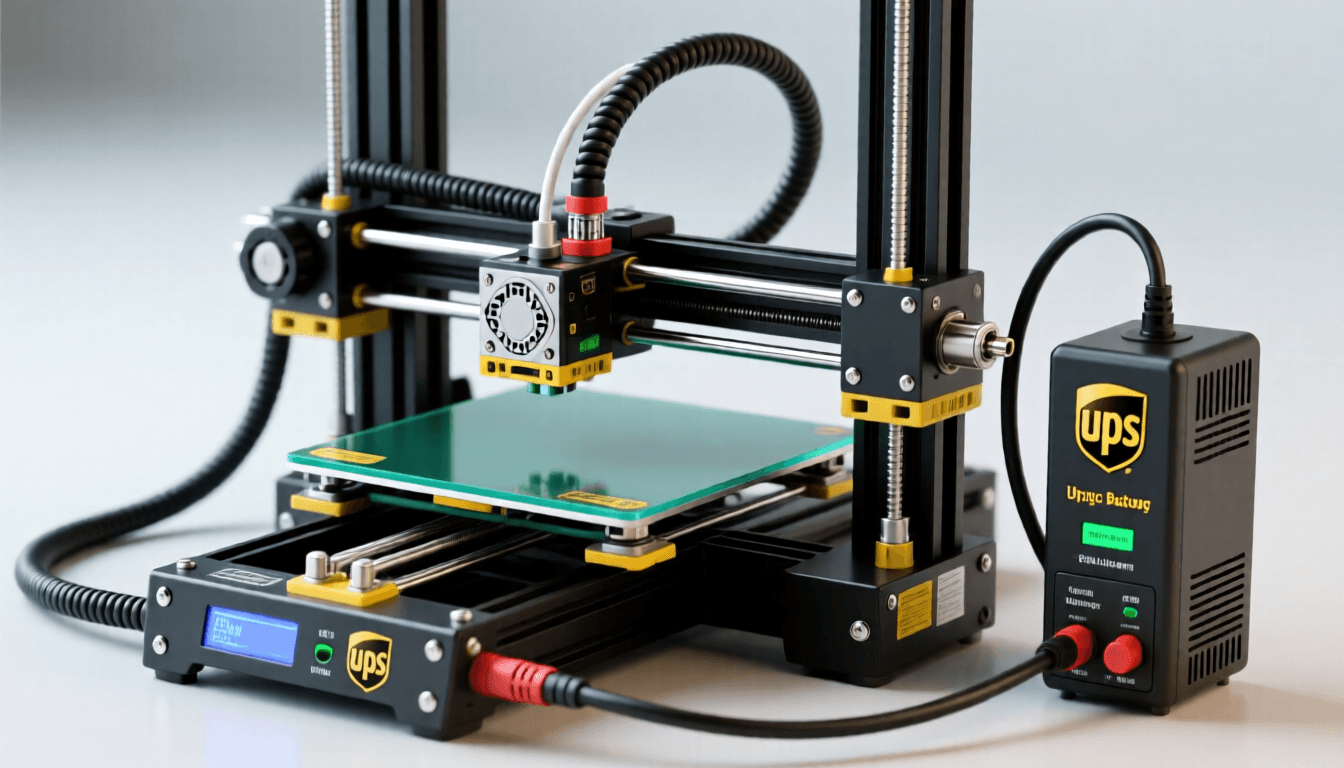
Why Power Protection Matters for 3D Printing
Every 3D printing enthusiast knows the heartbreak of a failed print. But power outages hit harder than most failures—they strike without warning, mid-print, turning hours of work into wasted filament and frustration. A 20-hour print that fails at 18 hours isn’t just annoying; it’s costly in time, materials, and sometimes even printer damage.
Power problems come in three flavors: outages, surges, and fluctuations. Outages cut power completely, leaving your printer frozen mid-layer. Surges can damage electronics and heat beds. Fluctuations cause temperature instability, leading to layer separation and print quality issues. Together, they represent a real threat to your 3D printing investment.
The solution isn’t complicated—backup power protection. A UPS (Uninterruptible Power Supply) gives you the buffer you need to complete prints gracefully or save progress before shutdown. Combined with a quality power supply, it transforms your printer from vulnerable to resilient. Let’s explore how to protect your prints effectively.
Why You Need UPS Backup for 3D Printing
Long Print Vulnerability
Long prints are most at risk. A 30-hour figurine, a large cosplay prop, or an architectural model—all can take days to complete. During these marathon sessions, the probability of power disruption climbs steadily. Even brief outages lasting seconds can destroy the print because the printer loses its position data and resumes blindly.
Consider this: a typical Ender 3 consumes around 150-200 watts during printing. If you’re running the heated bed and nozzle at full power, combined with stepper motors and electronics, you’re looking at peak draws of 250-300 watts during heat-up phases. A UPS needs to handle both steady-state printing loads and initial heating spikes.
Power Surge Protection
Surges are silent killers. They travel through power lines during grid switching, lightning storms, or when high-draw appliances cycle on and off. Your printer’s power supply unit (PSU) is the first line of defense, but many stock PSUs lack robust surge protection circuitry. Over time, repeated voltage spikes degrade components, leading to premature failure.
A quality UPS acts as a surge filter, smoothing incoming voltage and absorbing spikes before they reach your printer. This protection extends to connected devices too—your computer, Raspberry Pi controller, or webcam monitoring setup all benefit from clean, regulated power.
Graceful Shutdown Benefits
The UPS advantage is control. With backup power, you get time—enough to pause the print, retract filament, turn off heaters safely, and position the nozzle away from the workpiece. Some advanced firmware even supports power-failure recovery modes that can resume prints after interruption, but they still need a brief power buffer to save state.
For printers without recovery features, the UPS runtime allows you to manually shut down properly, preventing nozzle oozing onto the print and reducing post-failure cleanup. This graceful shutdown approach can mean the difference between salvaging a partially complete print and starting completely over.
How to Choose the Right UPS
Selecting a UPS isn’t just about wattage—it’s about matching your specific printing needs. Let’s break down the key factors to consider.
Wattage Calculation for Your Printer
Start by measuring your printer’s actual power consumption. A simple power meter (like the smart plug we recommend later) will tell you real-world draw during different printing phases. As a rule of thumb:
- Small printers (Ender 3, CR-6 SE): 150-200W during printing, 300W+ during heat-up
- Mid-size printers (Prusa i3 MK3, Creality CR-10): 200-250W during printing, 400W+ during heat-up
- Large printers (Creality CR-30, Voron 2.4): 300-400W during printing, 600W+ during heat-up
Add a 20-30% buffer for headroom, then add connected devices (computer, lighting, controller). For most home setups, an 850-1500VA UPS provides adequate capacity.
Runtime Needs
How long do you need? Consider your typical print duration and local power reliability:
- Brief outages (5-15 minutes): 850-1000VA UPS usually sufficient
- Extended outages (30-60 minutes): 1500VA UPS recommended
- Extended printing (multiple hours): Larger capacity or dual UPS configuration
Remember that runtime is exponential—doubling capacity more than doubles backup time. However, runtime drops dramatically as load increases. A 1500VA UPS might provide 30 minutes at 200W load but only 10 minutes at 400W.
Pure vs Simulated Sine Wave
UPS output quality matters. Pure sine wave units produce smooth, AC-like power identical to wall outlets. Simulated (stepped) sine wave units approximate this with rougher waveform patterns. Most 3D printers use switching power supplies that handle simulated sine wave just fine, but some sensitive electronics benefit from pure sine wave output.
Best UPS Units for 3D Printers
Based on real-world testing and community feedback, here are our top UPS recommendations for different needs and budgets.
APC Back-UPS Pro 1500VA (Best Overall)
The APC BE1500M2 (or Pro 1500VA) is the gold standard for 3D printer backup power. With 1500VA/900W capacity, it handles most mid-size printers plus monitoring equipment comfortably. The LCD display shows real-time load and battery status, helping you manage power resources during long prints.
Key Features:
- 1500VA/900W capacity
- Automatic voltage regulation (AVR) stabilizes minor fluctuations without battery drain
- LCD status display with load percentage and estimated runtime
- 8 outlets (4 battery backup, 4 surge only)
- USB connectivity for automated shutdown via software
- Estimated 25-30 minute runtime at 300W load
Best for: Mid-to-large printers, setups with connected computers, extended printing sessions requiring longer runtime.
CyberPower CP1500PFCLCD (Premium Pure Sine Wave)
CyberPower’s CP1500PFCLCD delivers pure sine wave output with similar capacity to the APC Pro 1500VA. The pure sine wave output is ideal if you’re connecting sensitive electronics or want maximum protection for your printer’s power supply. The tilting LCD provides clear status information at a glance.
Key Features:
- 1500VA/900W capacity with pure sine wave output
- Automatic voltage regulation (AVR)
- Rotatable LCD display
- 12 outlets (6 battery backup, 6 surge only)
- USB and serial connectivity for monitoring
- Estimated 20-25 minute runtime at 300W load
Best for: Users with sensitive electronics, premium setups requiring pure sine wave, multi-device backup needs.
Product Comparison
| # | Product | Best For | Price |
|---|---|---|---|
| 1 | APC Back-UPS Pro 1500VA (Best Overall) | Best overall | |
| 2 | CyberPower CP1500PFCLCD (Premium Pure Sine Wave) | Best overall | |
| 3 | APC Back-UPS BE850M2 (Best Budget Option) | Budget pick | |
| 4 | Mean Well LRS-350-12 (12V Upgrade) | PSU upgrade | |
| 5 | Mean Well LRS-350-24 (24V Upgrade) | PSU upgrade | |
| 6 | TP-Link Kasa Smart Plug with Energy Monitoring | Energy monitoring | |
| 7 | Where to Buy | General use |
APC Back-UPS BE850M2 (Best Budget Option)
For small printers and tight budgets, the APC BE850M2 provides essential backup protection without breaking the bank. While its 850VA/450W capacity limits runtime, it’s perfect for brief outages and surge protection on smaller setups like Ender 3 variants.
Key Features:
- 850VA/450W capacity
- 4 outlets (2 battery backup, 2 surge only)
- LED status indicators
- Automatic voltage regulation (AVR)
- Estimated 10-12 minute runtime at 200W load
Best for: Small printers (Ender 3, Anycubic i3 Mega), budget-conscious setups, environments with rare power outages.
Replacement Power Supply Upgrades
While a UPS protects against external power issues, your printer’s internal power supply unit (PSU) is equally important. Many budget printers ship with adequate but unremarkable PSUs. Upgrading to a quality industrial PSU improves power stability, reduces heat, and can even enhance print quality.
When to Upgrade Your Stock PSU
Consider upgrading if you experience any of these issues:
- Frequent power-related failures or glitches
- Excessive PSU heating or fan noise
- Inconsistent bed or nozzle temperatures
- Visible voltage fluctuations (dimming lights when heater kicks in)
- Running power-hungry upgrades (multiple extruders, heated chambers)
Mean Well Advantages
Mean Well is the gold standard for industrial power supplies. Their LRS series offers exceptional value for 3D printing applications:
- Reliability: Industrial-grade components and rigorous quality control
- Efficiency: 85%+ efficiency means less heat and lower operating costs
- Stability: Tight voltage regulation (+/- 1%) provides consistent heater performance
- Safety: Over-voltage, over-current, and short-circuit protection
- Longevity: Mean Well units typically outlast stock PSUs by years
Mean Well LRS-350-12 (12V Upgrade)
Designed for 12V printers like Ender 3, CR-6 SE, and Anycubic i3 variants, the LRS-350-12 delivers 350 watts of clean, stable power. That’s more than enough headroom for most upgrades and accessories.
Specs:
- Output: 12V DC, 29.2A, 350W
- Input voltage: 115V/230V AC selectable
- Efficiency: 86.5%
- Operating temperature: -30°C to +50°C
- Built-in fan for cooling
- Dimensions: 200mm x 110mm x 50mm
Best for: 12V printer upgrades, replacing noisy or unreliable stock PSUs.
Mean Well LRS-350-24 (24V Upgrade)
For 24V printers like Prusa i3 MK3, Creality CR-10, and Voron builds, the LRS-350-24 provides the same reliability in a 24V format. The higher voltage reduces current draw for the same power output, reducing resistive losses in wiring.
Specs:
- Output: 24V DC, 14.6A, 350W
- Input voltage: 115V/230V AC selectable
- Efficiency: 87%
- Operating temperature: -30°C to +50°C
- Built-in fan for cooling
- Dimensions: 200mm x 110mm x 50mm
Best for: 24V printer upgrades, high-power builds, setups running multiple heated beds or chambers.
Installation Basics
Replacing a PSU is straightforward but requires attention to safety:
- Power off and unplug everything before starting
- Document connections with photos before disconnecting wires
- Match polarity – positive to positive, negative to negative
- Secure all connections with proper terminals and strain relief
- Test carefully before installing covers or enclosures
Power Monitoring Tips
Understanding your printer’s power behavior helps you make informed decisions about UPS sizing and can reveal efficiency issues or component problems before they cause failures.
Tracking Energy Costs
3D printing isn’t free electricity. Long prints at high temperatures consume noticeable power. Monitoring lets you understand real costs and make informed decisions about when to run power-intensive prints.
A typical mid-size printer running a 12-hour print at 200W continuous draw consumes approximately 2.4 kWh. At average electricity rates, that’s under $1 per print—but it adds up with regular use. Higher-power printers or heated chamber setups can consume 2-3x that amount.
Detecting Anomalies
Power monitoring catches problems early. If your printer suddenly draws more power than usual, it might indicate:
- Failing components (heater insulation breakdown, bearing drag)
- Improper settings (excessive temperatures, incorrect stepper current)
- Added loads (new accessories, LED lighting, webcam)
- Environmental factors (room temperature affecting cooling efficiency)
Smart Plug Integration
TP-Link Kasa Smart Plug with Energy Monitoring
The TP-Link Kasa HS103 (or HS110 with energy monitoring) turns any outlet into a smart outlet with power tracking. It’s an inexpensive way to gain visibility into your printer’s power consumption without permanent installation.
Key Features:
- Real-time and historical power monitoring
- Energy usage tracking (kWh) and cost estimation
- Remote on/off control via smartphone app
- Scheduling and automation capabilities
- Away mode for simulated occupancy
- Works with Amazon Alexa and Google Assistant
Applications:
- Track printer energy consumption over time
- Set up automated power-on/off schedules
- Monitor multiple printers from one app
- Combine with UPS to understand battery drain patterns
- Enable remote power cycling for troubleshooting
Best for: Any 3D printer setup seeking power visibility and remote control without complex installation.
Conclusion and Recommendations
Power protection isn’t optional insurance—it’s essential infrastructure for serious 3D printing. The right UPS and power supply combination transforms your printer from vulnerable to resilient, protecting both your prints and your investment.
Quick Recommendations by Use Case
Small Printer Setup (Ender 3, CR-6 SE): APC BE850M2 UPS + Mean Well LRS-350-12 (if upgrading PSU). Total investment: ~$100-150. Provides 10-15 minutes of backup time and surge protection for most brief outages.
Mid-size Printer Setup (Prusa MK3, CR-10): APC Back-UPS Pro 1500VA + Mean Well LRS-350-24. Total investment: ~$200-250. Offers 20-30 minutes runtime, handles connected devices, and provides long-term reliability.
Premium/Professional Setup: CyberPower CP1500PFCLCD + Mean Well LRS-350-24 + TP-Link Smart Plug. Total investment: ~$250-300. Pure sine wave output, extended runtime, comprehensive monitoring, and maximum component protection.
Remember that UPS batteries degrade over time—typically 3-5 years of useful life. Plan for eventual replacement, and consider periodic testing to ensure backup capacity when you need it most.
Power outages will happen. With the right preparation, they don’t have to ruin your prints. Invest in quality power protection today, and enjoy the peace of mind that comes with knowing your prints are safe—no matter what the grid throws at you.
For more safety upgrades, explore our guides on 3D printer enclosures and essential printer maintenance tools.