
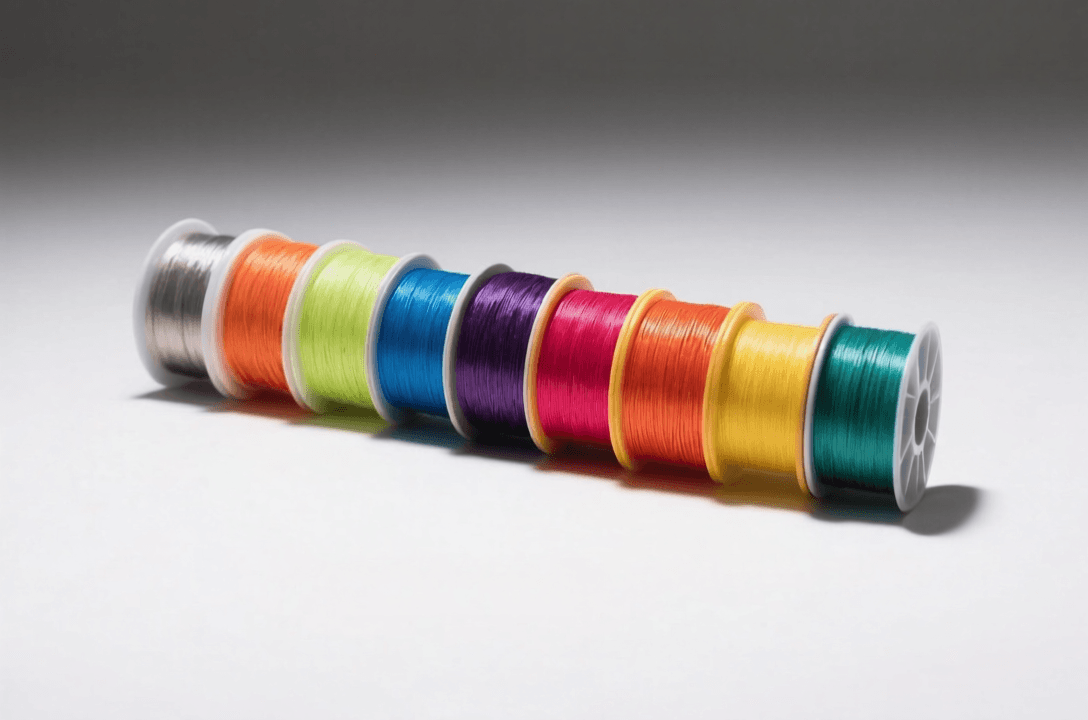
PETG (Polyethylene Terephthalate Glycol) has become a go-to material for makers who want something stronger and more temperature-resistant than PLA, yet easier to print than ABS. But dialing in the right settings can be tricky—PETG behaves differently from PLA in almost every axis. In this guide we’ll cover the key printer parameters that make PETG shine, explain the why behind each setting, and recommend a few reliable PETG filaments that consistently respond well to optimized profiles.
Nozzle Temperature: 230–250°C
PETG requires a higher nozzle temperature than PLA; typical range is 230–250°C. The exact optimum depends on the brand and color. Too low (below 230°C) leads to poor layer adhesion and blobs; too high (above 255°C) can cause oozing, stringing, and heat creep. Start with the manufacturer’s recommended range, then fine-tune by printing a temperature tower. For most PETG, 240–245°C is a sweet spot. If you notice excessive stringing, drop 5°C; if layers separate, raise 5°C.
Bed Temperature: 70–85°C
A warm bed helps PETG adhere without warping. 70–85°C works well on glass, PEI, or BuildTak. If you’re using plain glass, apply a light coat of glue stick for extra grip. Too hot (>90°C) can cause the bottom layers to become too soft and deform. If you see the first layer lifting, increase bed temp by 5°C or improve surface adhesion with a brim.
Retraction Settings: Shorter Than PLA
PETG is more flexible than PLA and tends to absorb retraction energy, leading to jams if retraction is too aggressive. Aim for a shorter retraction distance: 4–6mm for direct drive extruders, 6–8mm for Bowden. Retraction speed around 30–50mm/s. If you get filament grinding in the extruder, lower the distance. If you see stringing, increase slightly or enable combing. Also consider enabling z-hop to avoid dragging across prints.
Print Speed: 40–60 mm/s
PETG prints best at moderate speeds. 40–60 mm/s is a safe range for outer perimeters; infill can go up to 80 mm/s if your printer is tuned. Faster speeds may reduce interlayer adhesion and cause ringing. If you need higher speeds, ensure your acceleration and jerk are tuned to avoid vibrations.
Cooling: 50–70% Fan
Unlike PLA, PETG doesn’t require 100% cooling right away. Too much cooling can cause layer splitting. Keep the fan at 50–70% after the first few layers. For small overhangs, you can increase to 100%, but for large surfaces keep it moderate. If you see sagging, increase fan slightly; if layers don’t bond, lower fan.
Layer Height and Width
A standard layer height of 0.2–0.28 mm (0.2–0.28 mm for a 0.4 mm nozzle) works well. For finer detail, go down to 0.12 mm; for stronger parts, increase to 0.3 mm. Line width can be set to 110–120% of nozzle diameter for better interlayer bonding. PETG benefits from slightly over-extruded lines to improve strength.
Moisture Control: Dry It Before Printing
PETG is hygroscopic; it absorbs moisture from the air and prints poorly when wet (bubbles, hissing, reduced strength). Store filament in a dry box with desiccant. If you hear popping or see steam, dry the spool at 65–70°C for 4–6 hours before use. Some manufacturers (like eSun) ship with vacuum packaging and desiccant—keep it sealed until ready.
Recommended PETG Filaments
Not all PETG is created equal. Here are three brands that consistently print well with the settings above:
eSun PETG
eSun is a favorite in the community for its consistent diameter and reliable formulation. It prints smoothly at 240°C, produces strong parts with minimal stringing, and comes in a wide color range. Ideal for mechanical parts and enclosures.
Overture PETG
Overture offers excellent value—good quality at a lower price point. It’s a bit more prone to stringing than eSun, but still very printable with proper retraction. Great for testing settings or when you need larger quantities on a budget.
Hatchbox PETG
Hatchbox is known for its clarity and strength. Their PETG has a nice glossy finish and prints reliably at 235–245°C. It’s a solid middle-ground option—not too expensive, not too cheap—and comes in many colors.
Cura/PrusaSlicer Profile Code Snippets
Here’s a baseline profile for a 0.4 mm nozzle (adjust speeds/temps for your printer):
# Cura settings (excerpt)
nozzle_size = 0.4
layer_height = 0.2
print_speed = 50
print_temperature = 240
print_temperature = 240
build_plate_temperature = 75
retraction_distance = 6
retraction_speed = 40
fan_speed = 60
material_flow = 100
For PrusaSlicer, use similar values. Remember to calibrate e-steps and flow rate for your specific filament.
Troubleshooting Common PETG Issues
| Issue | Likely Cause | Fix |
|---|---|---|
| Stringing/Oozing | Temperature too high, retraction too short/slow | Lower temp 5–10°C; increase retraction distance & speed; enable combing |
| Poor Layer Adhesion | Temperature too low, print speed too fast | Raise nozzle temp; reduce print speed; increase flow to 105% |
| Warping/Bottom Lifting | Bed temp too low, poor adhesion | Increase bed to 80–85°C; use glue stick or PEI; add brim |
| Brittle Prints | Moisture in filament | Dry filament before use; store with desiccant |
| Layer Splitting | Cooling too high | Reduce fan to 50% or lower; ensure ambient temperature is stable |
Fine-Tuning Your Settings
Every printer and filament batch is slightly different. Use calibration prints—tower, retraction test, and adhesion square—to lock in the best values. Keep notes of what works for each brand. Once you have a solid baseline, you’ll find PETG is a forgiving and strong material for functional parts.
Conclusion
PETG can produce exceptional results when you dial in temperature, retraction, speed, and cooling. Start with the guidelines above, adjust for your specific setup, and choose a quality filament from a reputable brand. With a well-tuned printer and dry filament, you’ll get consistent, strong prints every time.
Where to Buy
As an Amazon Associate, we earn from qualifying purchases.
Frequently Asked Questions
What’s the best filament for beginners?
PLA. It’s easy to print, doesn’t require a heated bed, and produces excellent detail. Perfect for prototypes, decorative items, and learning 3D printing.
Can I use PETG instead of ABS?
PETG is easier to print and has better layer adhesion, but ABS withstands higher temperatures and is more chemically resistant. For most applications, PETG is the better choice unless you need temperature resistance.
Why is TPU difficult to print?
TPU is flexible and can jam Bowden extruders. It requires direct drive, slow printing speeds, and retraction tuning. A flexible-friendly extruder (Bondtech, geared) makes TPU much more manageable.
How long does filament last?
A standard 1kg spool prints approximately 400-500 hours of standard parts, or 100-200 hours of large models. Storage conditions matter—keep filament dry and away from UV light to maintain quality.
Should I buy cheap filament?
Budget filaments are fine for prototypes and testing, but quality varies widely. For functional parts, reliable prints, or important projects, stick to reputable brands. Inconsistent filament causes more problems than it saves in cost.