
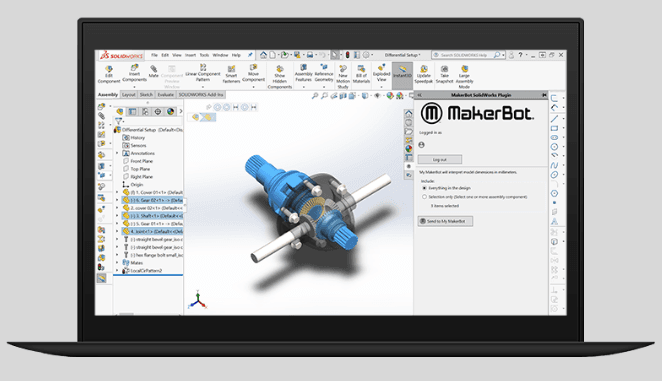
MakerBot has not only continued to refine its 3D printing hardware, materials, and accessories over the years for users around the globe, but also the specific tools it offers for students and educators, like the MakerBot Cloud platform. In its latest news, the Brooklyn, NY-headquartered subsidiary of Stratasys has announced it will join the Google for Education Integrated Solutions Initiative.
Meant to offer an even more effective print preparation and management system for teachers and their students, this novel integration means that users may enjoy a more streamlined workflow. As is common to so many different types of technology, whether in usage of small electronics, computers, tablets, smartphones, or printers, it is often challenging to manage data.
For students and teachers, it is critical to manage files and final submissions effectively. The platform allows teachers to view and manage 3D print submissions through the MakerBot Cloud, whether they are still in the classroom or working from their homes. Teachers can share submissions, approve student work, queue them directly to Google Classroom, and then 3D print.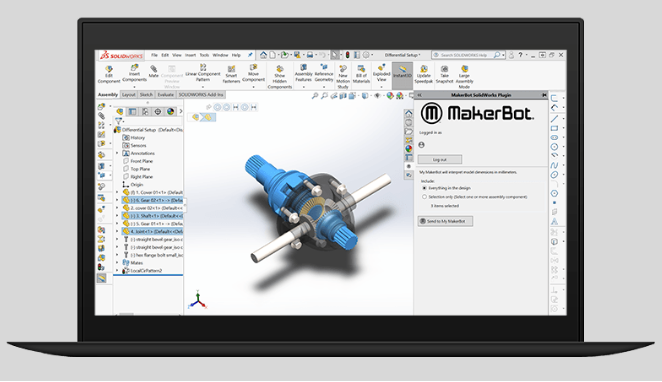
“As a Google for Education partner, we are making it easier for teachers and students to join the MakerBot ecosystem and utilize the tools and resources we have available,” said Nadav Goshen, CEO, MakerBot. “We remain committed to supporting 3D printing education and will continue to develop solutions that will advance the possibilities of learning and innovation.”
Understanding Filament Properties
The Integrated Solutions Initiative also offers support and resources for developers, scholarships, training, and access to new trends and events, as well as access to developer groups.
Although this technology was in place previous to the COVID-19 pandemic and subsequent closing of most schools around the US, it has become extremely relevant in today’s environment as so many students and teachers have been learning and working from home.

Most of the younger generations and teachers alike may tend to be technologically savvy, but living in the “new normal” of more online school activities makes it critical for everyone to adapt to transformations for the classroom. Better organization of files, as well as handling of them remotely, makes everyone’s lives much easier—not to mention that of parents who may be working behind the scenes to help kids of all ages.
Material Comparison and Selection
MakerBot has never wavered in its dedication to the educational market, evidenced by the presence of its technology in thousands of schools, in the US or overseas. See also: Best Budget 3D Printer Upgrades That Actually Impr…. Whether certifying teachers in creating their own 3D printing programs, sponsoring Makeathons for STEAM learning, or offering platforms for better management, the company continues to lead within the 3D printing industry, and especially in furthering the minds of younger generations.
[Source / Images: Yahoo Finance]
The post Makerbot Joins Google for Education Integrated Solutions Initiative appeared first on 3DPrint.com | The Voice of 3D Printing / Additive Manufacturing.
from Your daily news from 3DPrint.com https://bit.ly/2ZmvC7M
Related Articles
Frequently Asked Questions
What is the best 3D printing filament for beginners?
PLA is the best starting filament — it prints easily at 190-220°C without an enclosure and produces good results. Once comfortable, PETG offers better strength and temperature resistance for functional parts.
How do I choose the right filament?
Consider the application: PLA for display models, PETG for functional parts, ABS/ASA for heat/sunlight exposure, TPU for flexible parts, and specialty filaments for engineering applications. Each has specific printer requirements.
What temperature should I print different filaments at?
PLA: 190-220°C nozzle / 50-60°C bed. PETG: 220-250°C / 70-80°C. ABS: 230-260°C / 100-110°C (enclosure needed). Nylon: 240-270°C / 70-90°C. Always check manufacturer recommendations for specific brands.
📌 Related Articles
- The Current State of Metal 3D Printing in 2020
- Best Budget 3D Printer Upgrades That Actually Improve Print Quality: Belts, Springs, Hotends & More
- 3D Printing News: Multi-Material Breakthrough and Aerospace Market Boom
- Best 3D Printer Upgrades That Actually Improve Print Quality: Complete 2026 Guide
- ABS 3D Printing Settings Guide: Temperature, Enclosure, and Cooling for Strong Parts