
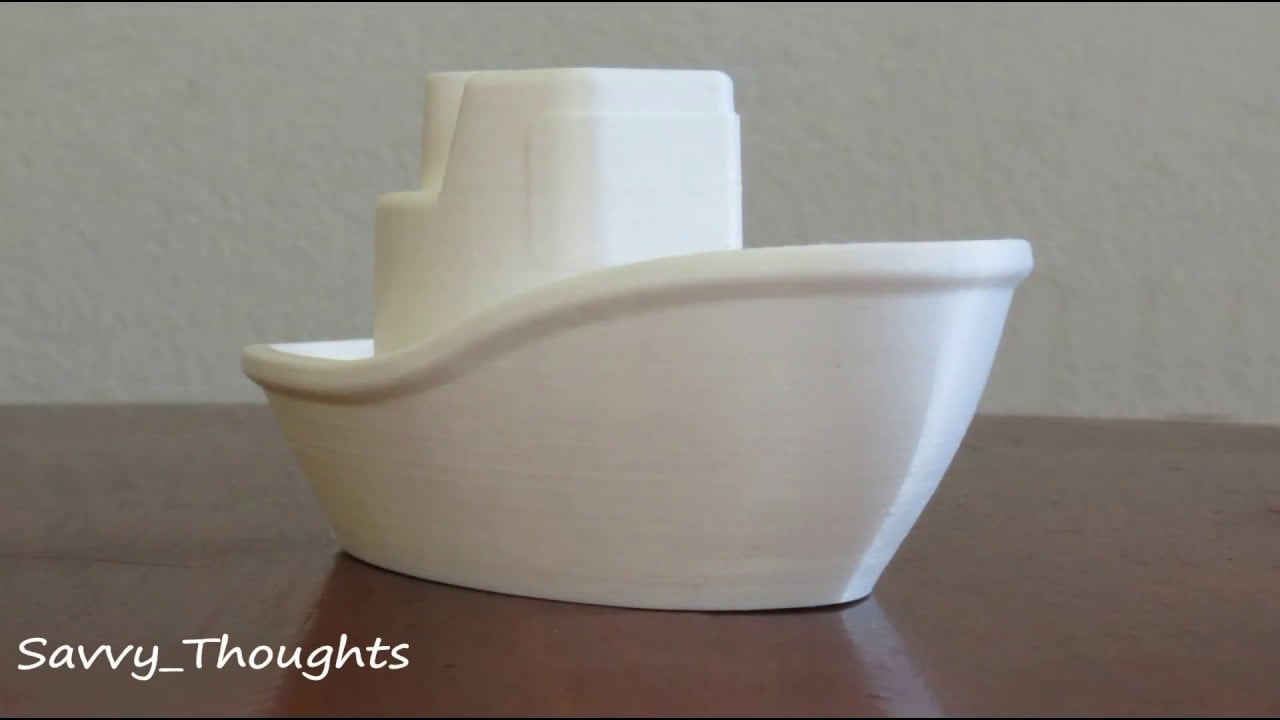
The JGAurora A5S is a budget-friendly large-format FDM 3D printer that gained popularity for its generous build volume and aluminum frame construction. This guide covers setup, calibration, and best practices to get the most out of your A5S.
Below is a video tutorial; supplement it with our written guide for comprehensive understanding.
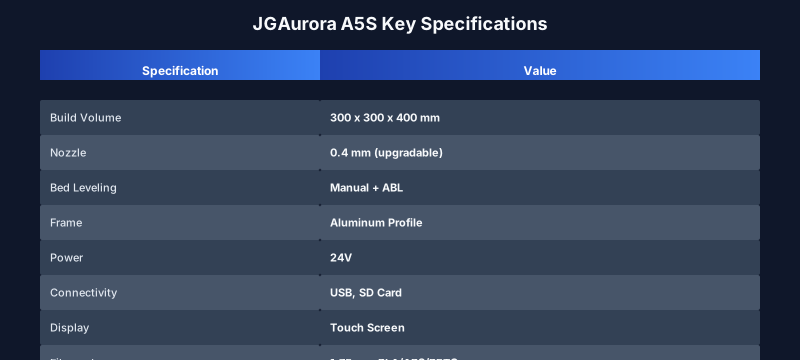
JGAurora A5S Specifications
Before diving into setup, here are the key specs of the A5S:
- Build Volume: 300 x 300 x 400 mm
- Nozzle: 0.4 mm (upgradable to 0.2-0.8 mm)
- Bed Leveling: Manual with optional auto bed level (ABL) upgrade
- Frame: Aluminum profile
- Power: 24V system
- Display: Touch screen interface
- Connectivity: USB and SD card
- Filament: 1.75 mm (PLA, ABS, PETG, TPU compatible)
Setup and Calibration Guide
Assemble the printer following the manual. Ensure all frame bolts are tightened and the axes move smoothly. Level the bed manually using the four corner screws until the nozzle is just touching the bed at each point. If you have the BLTouch or similar ABL sensor, install it and configure the offset in your firmware.
Load filament by heating the hotend to the filament’s recommended temperature (typically 200-210°C for PLA). See also: Best 3D Printer Upgrades That Actually Improve Pri…. Push the filament until it extrudes consistently, then trim the excess.
2025 Update: Is the A5S Still Relevant?
The JGAurora A5S was released in 2019 and remains a capable machine for makers on a budget. While newer models from Creality (Ender 5, Ender 3) and Bambu Lab (A1) offer refined designs and auto bed leveling, the A5S still holds its own with its large build area and solid aluminum frame. Consider upgrading with a BLTouch and new mainboard for improved reliability.
Helpful Links
- 3D Printing – Wikipedia
- 3D Printer Filament Settings Database – Optimize temperatures for different materials.
- 3D Printer Comparison Tool – Compare the A5S with modern alternatives.
- Creality Ender 5 Max Review – A larger-format competitor with auto bed leveling.
We hope this guide helps you achieve great prints with your JGAurora A5S. Happy printing!
Frequently Asked Questions
What is metal 3D printing?
Metal 3D printing (additive manufacturing) builds metal parts layer by layer using techniques like laser powder bed fusion, directed energy deposition, and binder jetting. It enables complex geometries impossible with traditional manufacturing while reducing material waste significantly.
How strong are 3D printed metal parts?
3D printed metal parts can achieve mechanical properties comparable to traditionally manufactured metals. Tensile strength and fatigue resistance depend on the process and post-processing, but many meet or exceed ASTM standards for wrought materials.
What are the main metal 3D printing technologies?
The primary technologies include Laser Powder Bed Fusion (LPBF), Electron Beam Melting (EBM), Directed Energy Deposition (DED), Binder Jetting, and Metal FDM (with bound filaments). Each has different strengths in terms of resolution, speed, and material options.
📌 Related Articles
- Creality Creality Ender 3 V3 Plus vs Creality Ender 3 Pro: Full Specs Comparison & Buyer’s Guide
- Best 3D Printer Upgrades That Actually Improve Print Quality: Complete 2026 Guide
- Best Budget 3D Printer Upgrades That Actually Improve Print Quality: Belts, Springs, Hotends & More
- Bambu Lab A1 vs Elegoo Centauri Carbon: Full Specs Comparison & Buyer’s Guide
- Prusa Research Mini+ vs Prusa MK4: Full Specs Comparison & Buyer’s Guide